Supported conversions
Use the converter to move between common `.cube`, `.3dl`, and Hald CLUT workflows. When target size changes, the LUT is resampled with tetrahedral interpolation before writing the new file.
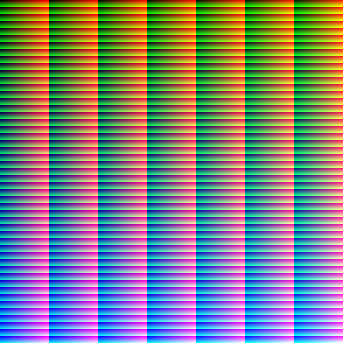
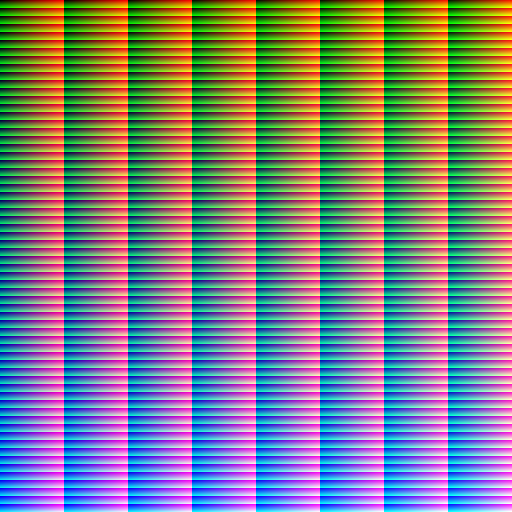
Hald export requires square cube sizes: 16, 25, 36, 49, or 64 points.
Editing Hald images
Download an identity Hald PNG, apply color grading in your image editor, export it back as PNG without resizing or cropping, then load it here to convert to `.cube` or `.3dl`.
Prefer PNG over JPEG, preserve exact pixel dimensions, and avoid automatic color conversions that change the CLUT image unintentionally.
FAQ
Are LUT files uploaded?
No. Conversion, preview generation and export happen locally in the browser. The site does not upload LUT files.
Which LUT formats are supported?
The converter reads common `.cube` files, 3D LUT Creator-style `.3dl` files, and browser-decodable Hald CLUT images such as PNG, JPEG and WebP.
Can this convert TIFF Hald files?
Not in v1. The browser must be able to decode the image, so PNG, JPEG and WebP are supported.
Why do some Hald exports require resampling?
A Hald image has a strict relationship between cube size and image dimensions. Non-square sizes such as 17 or 33 need resampling to 16, 25, 36, 49 or 64 before Hald export.
What `.3dl` format is exported?
The `.3dl` export uses 3D LUT Creator-compatible blue-fastest row order with 10-bit integer values.
Can I preview a LUT before converting?
Yes. Use the HSL preview, sample photo, curves and 3D cube tabs after loading a LUT.
Which software supports LUT files?
Common LUT-capable tools include DaVinci Resolve, Adobe Premiere Pro, Final Cut Pro, Photoshop, Affinity Photo, OBS Studio, and VFX tools that use OpenColorIO. Check each app’s documentation because supported LUT formats and color-management assumptions differ.